Notifications That Reach Families — Without Overwhelming Them
BeeNet gives administrators, teachers, and parents layered control over what gets sent, when, and how. Quiet hours protect evenings, granular preferences cut the noise, and emergency alerts always break through.
Communication Control at Every Level
From organization-wide policy to each parent's personal preferences, BeeNet puts the right controls in the right hands.
Organization Quiet Hours
Set quiet hours — like 22:00 to 07:00, or a Ramadan-friendly 23:00 to 09:00 — and non-urgent notifications are held, then delivered in one tidy batch when quiet hours end. Timezone-aware, so it works wherever your families are.
Emergency Alerts Always Get Through
Safety and security alerts are marked critical and bypass quiet hours and every personal preference. When it matters most, the message is delivered immediately — no opt-out, no delay.
Granular Per-Person Controls
Every parent and staff member decides which categories they hear about — messages, homework, grades, reminders — and on which channel. Less noise, higher engagement, nothing essential missed.
Classroom-Level Preferences
Teachers tune notifications per class — homework, attendance, grades, behaviour, announcements — so each classroom's families get exactly what's relevant, overriding broad organization defaults.
Real-Time In-App Center
A live notification inbox with an unread badge that updates instantly. Parents mark items read, clear what they've handled, and never lose an important update in an endless chat scroll.
Multi-Device Push
Native push to every registered iOS and Android device through a single secure pipeline, so critical updates arrive even when the app is closed.
Delivered in Every Family's Language
Each notification arrives in the recipient's language — natively in French, English, or Arabic with full right-to-left layout, or automatically translated into 130+ other languages — with no manual translation from your team.
Coming Soon: Email Digests
Push, in-app, SMS fallback for critical alerts, and WhatsApp Business delivery are all live today. Email digests are Coming Soon — for families who prefer a daily summary over real-time alerts.
How Notification Control Works
Administrators Set the Policy
Define organization quiet hours, default preferences for new members, and how long notifications are retained. Set the guardrails once and they apply everywhere.
Teachers Tune Each Classroom
Instructors choose which updates each class sends — homework, attendance, grades, behaviour, announcements — so families only hear what's relevant to their child.
Families Personalize What They Receive
Parents fine-tune categories and channels to match their life. Emergencies always reach them; everything else arrives on their terms.
See It in Action
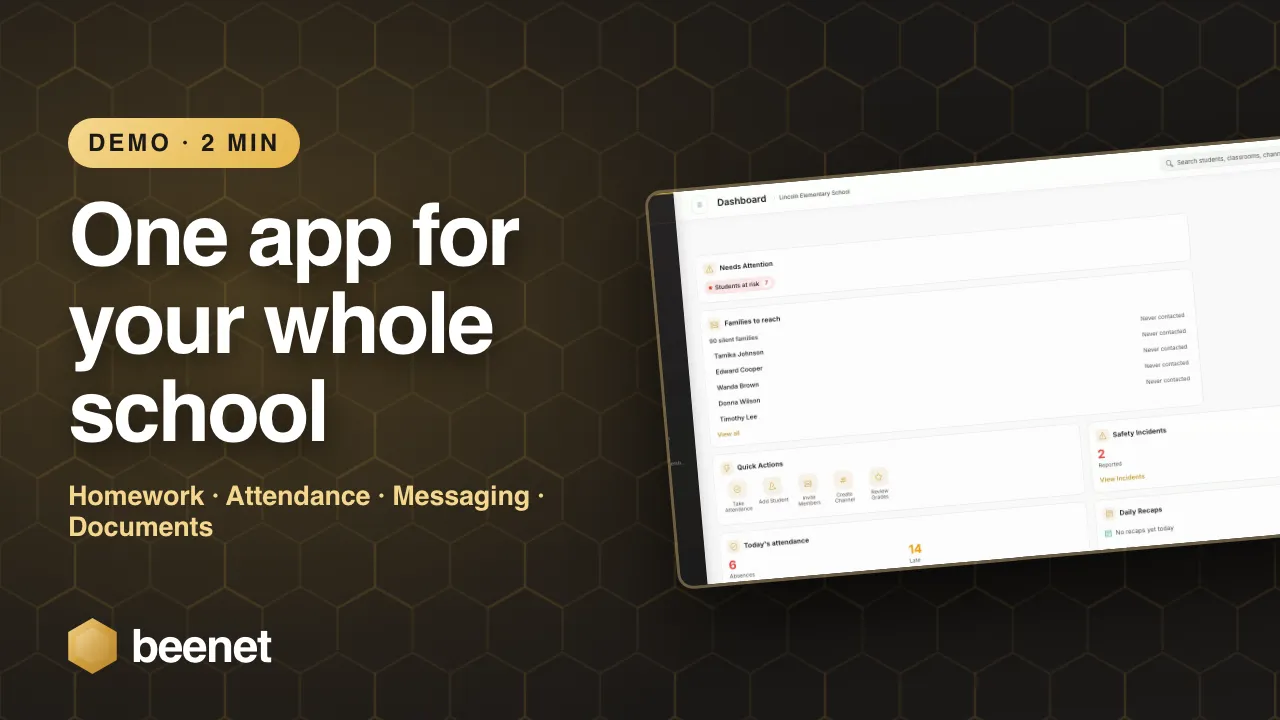
Watch the walkthrough below, or book a live demo to see this feature for your organisation.
Why It Matters
Default quiet hours mean no buzzing phones at dinner or bedtime. Non-urgent updates wait until morning, delivered in one clean batch.
Organization policy, classroom tuning, and personal preferences stack together — so the right people control the right settings.
Notifications arrive in each recipient's language automatically — native French, English, or right-to-left Arabic, or auto-translated into 130+ more — no extra work for your staff.
Related features
See How BeeNet Keeps Families Informed — Not Overwhelmed
Book a personalized demo and see notification controls, quiet hours, and emergency alerts in action.
Request Demo